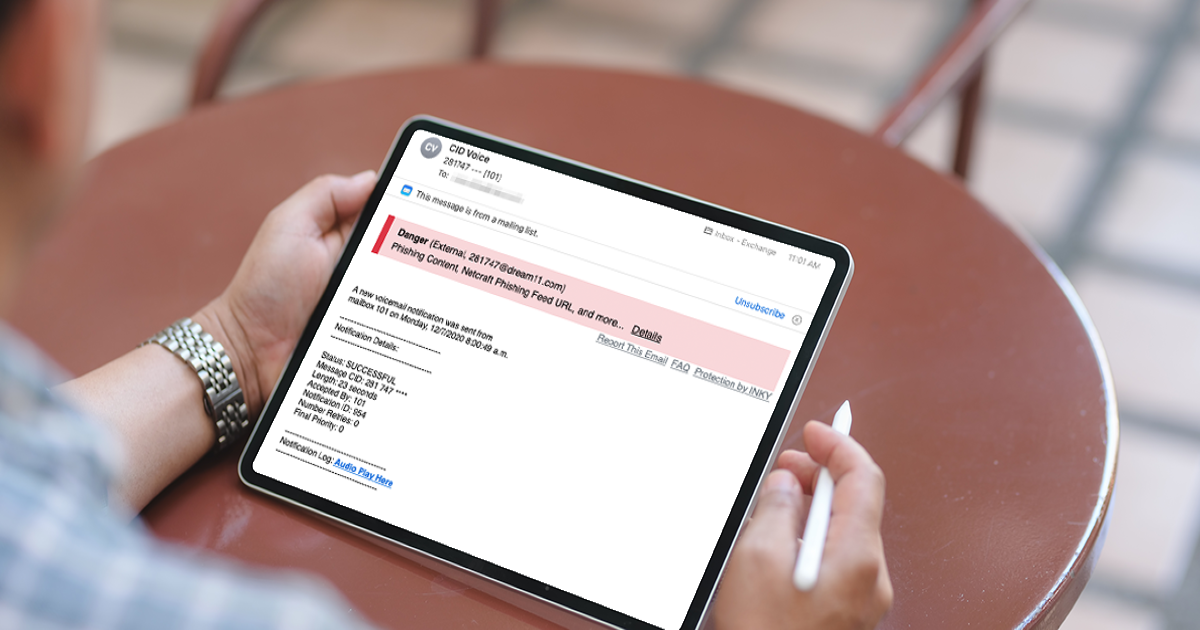
Phishing emails are getting harder to spot, and AI is making them sharper. Here's what's actually at stake when you click, and how to catch them before they catch you.
Phishing emails are getting harder to spot, and AI is making them sharper. Here's what's actually at stake when you click, and how to catch them before they catch you.
Want to dive deeper?
Explore related resources and guides to learn more about this topic.
You've seen the emails. The "urgent" account verification. The slightly-off sender address. The link that looks almost right.
The FBI recently issued a warning about a new scam called Kali365, which targets Microsoft 365 users across Outlook, Teams, and OneDrive. What makes it nasty is that it bypasses multi-factor authentication entirely - no password needed. One click on a convincing email, one code entered on a legitimate-looking Microsoft page, and the attacker is in.
The kicker? These attacks are now AI-assisted. The lures are sharper, the templates are automated, and the people running them don't need to be technical anymore.
Can you spot the difference?
What's actually at stake
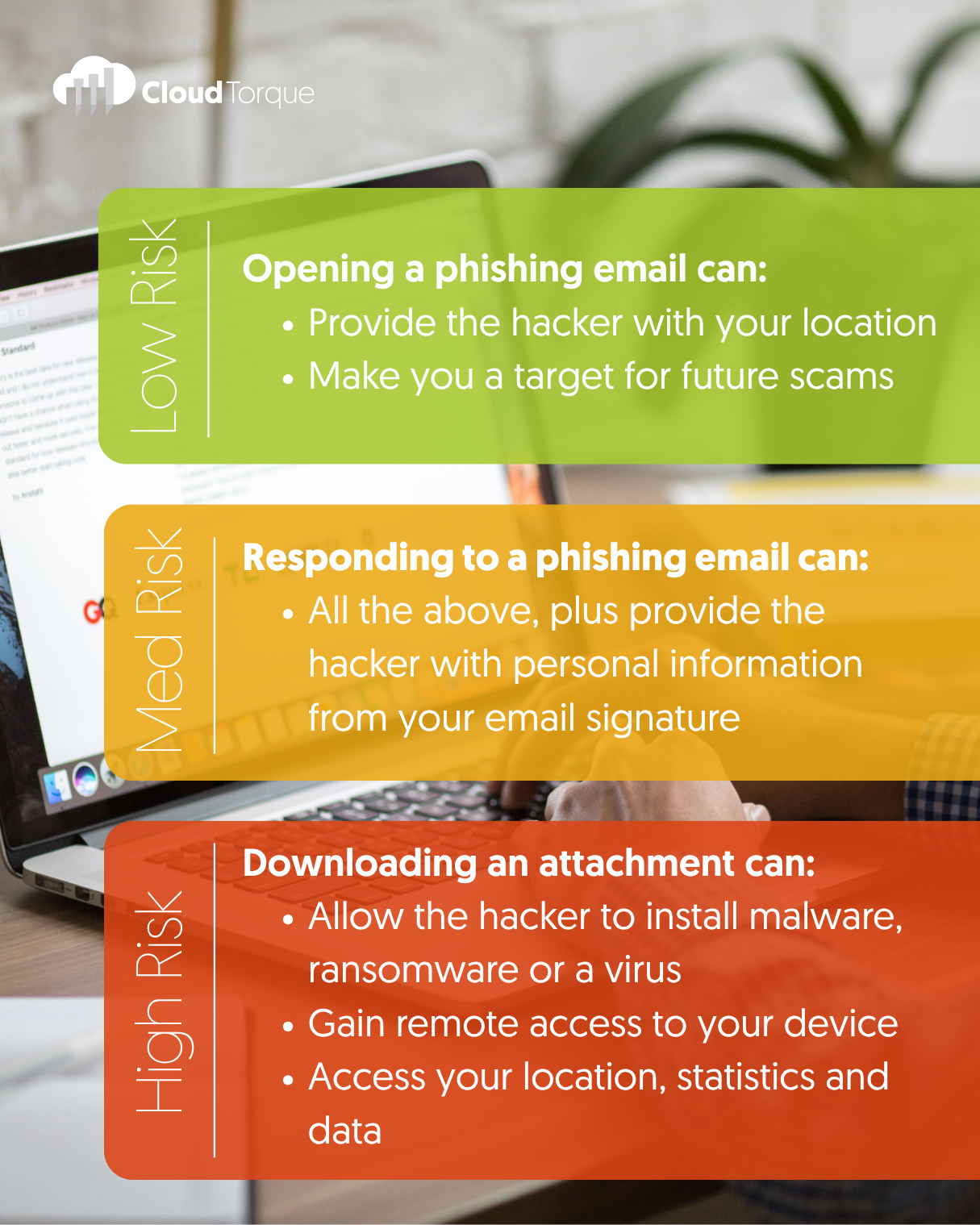
Not every phishing email is created equal. The damage scales with what you do next.
Opening it is low risk - but it can confirm your address is active and flag you for future scams.
Replying hands over more than you think. Your email signature alone gives an attacker your name, role, phone number, and often who you work with.
Downloading the attachment is where it gets serious. That's how malware, ransomware, and remote access tools get onto your device and from there, into your whole business.
How to spot one
Most phishing emails give themselves away if you slow down for ten seconds:
Check the sender address carefully.support@cloudtorque-global.com and support@cloudtorque.global look almost identical. One of them isn't us.
Hover before you click. The link text and the actual URL are often different.
Be suspicious of urgency. "Verify now or lose access" is a pressure tactic, not a real policy.
Look at the spelling and grammar. AI has made this less reliable than it used to be, but it still catches a lot of them out.
If in doubt, don't reply - verify another way. Call the company on a number you've looked up yourself. Never use the one in the email.
What to do if you've clicked
Don't panic, but don't sit on it either. Disconnect the device from the network, change your password from a different device, and tell your IT provider straight away. The faster it's contained, the less damage it does.
How we're protecting our clients
Spotting phishing emails shouldn't rely on people having a good day. That's why we've rolled out an AI-powered email security layer across the businesses we look after. It uses machine learning and computer vision to analyse every inbound email, checking sender intent, impersonation tactics, and the subtle cues that give phishing away. Suspicious messages get flagged with clear warning banners, rewritten to neutralise risky links, or isolated entirely before they ever reach an inbox.
In plain terms: the dodgy ones get caught before your team has to make the call.
Alongside that, we monitor Microsoft 365 activity in the background, watching for suspicious logins, unusual inbox rule changes, and the early signs of account compromise. If something looks off, we know about it in real time.
The bigger picture
Phishing isn't really a tech problem - it's a people problem that technology can help with. The businesses that handle it well aren't the ones with the smartest staff. They're the ones with the right layers in place: email filtering, conditional access, endpoint protection, and a team that knows what to do when something looks off.
That's why phishing awareness training for staff is built into our Torque Secure package, alongside 24/7 monitoring, advanced email protection, identity threat detection, and dark web alerts if your credentials are ever exposed. Because the strongest defence is a trained team backed by smart technology. Not one or the other.
Worried about how exposed your business is? Let's talk.